Wit 0.1.1
Wit 0.1.1 is out for Windows, macOS and Linux. It follows 0.1.0, the first public release, by a few hours, and the two are the same app: this version only fixes how the installers describe themselves.
What changed
- Publisher name in the installers. Windows’ list of installed apps showed the publisher as “wit”, made up from the app id. It now says Cosmin Stefaniga, and so do the Linux packages.
What is in Wit today
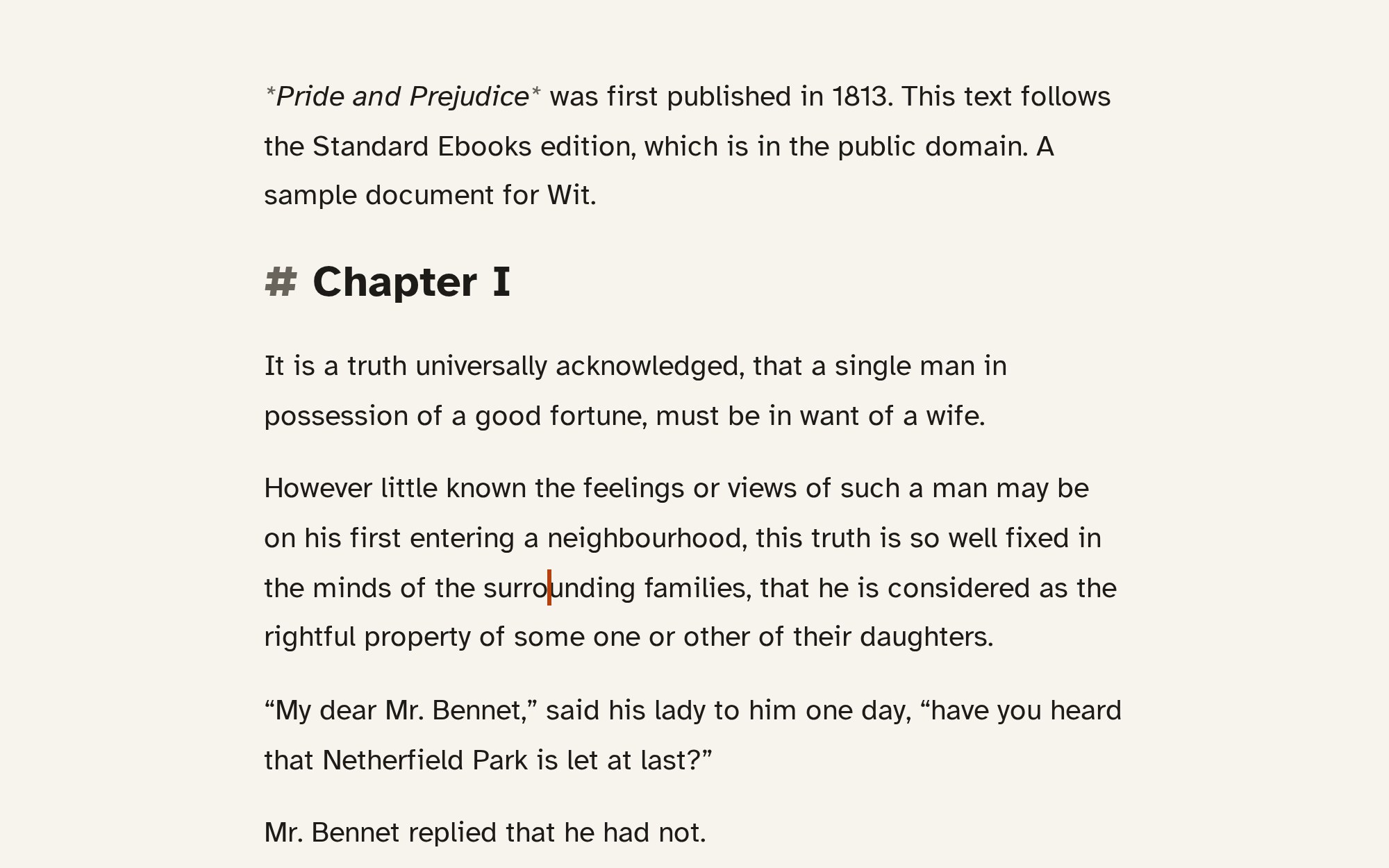
If this is the first you hear of it: Wit is a free, open-source writing app for books, essays, screenplays and stage plays. You write plain text, Markdown for books and Fountain for scripts, and Wit lays it out as the pages of a printed book beside you.
- A quiet writing space: Write, Split and Page modes, Focus mode, light, dark and true-black themes.
- A command palette (Ctrl+Shift+P) with every command and setting, each with its shortcut.
- Chapters and statistics sidebars, with word and page targets.
- Revisions: named drafts kept for good, one copy per writing day between them, and a Changes view.
- Page setup with templates for novels, non-fiction, children’s books and manuscripts; every KDP paperback size, the UK and ISO sizes; ten open fonts plus the ones on your computer; a print checklist.
- Print PDF, Proof PDF, and Word or OpenDocument manuscripts for an editor.
- Screenplays and stage plays in Fountain, in the standard layout on US Letter or A4.
- Eight languages for hyphenation and spell check.
Downloads
- Windows 10 and 11, 64-bit: Wit_0.1.1_x64-setup.exe. The installer isn’t code-signed, so SmartScreen warns the first time: click More info, then Run anyway.
- macOS, Apple silicon and Intel: Wit_0.1.1_universal.dmg. The first time, right-click Wit and choose Open.
- Linux: AppImage, .deb or .rpm.
Every file, with its notes, is on the releases page. Found a problem? Open an issue.